Single-User, Simple Visual Work Instructions Authoring Tool
LockStep
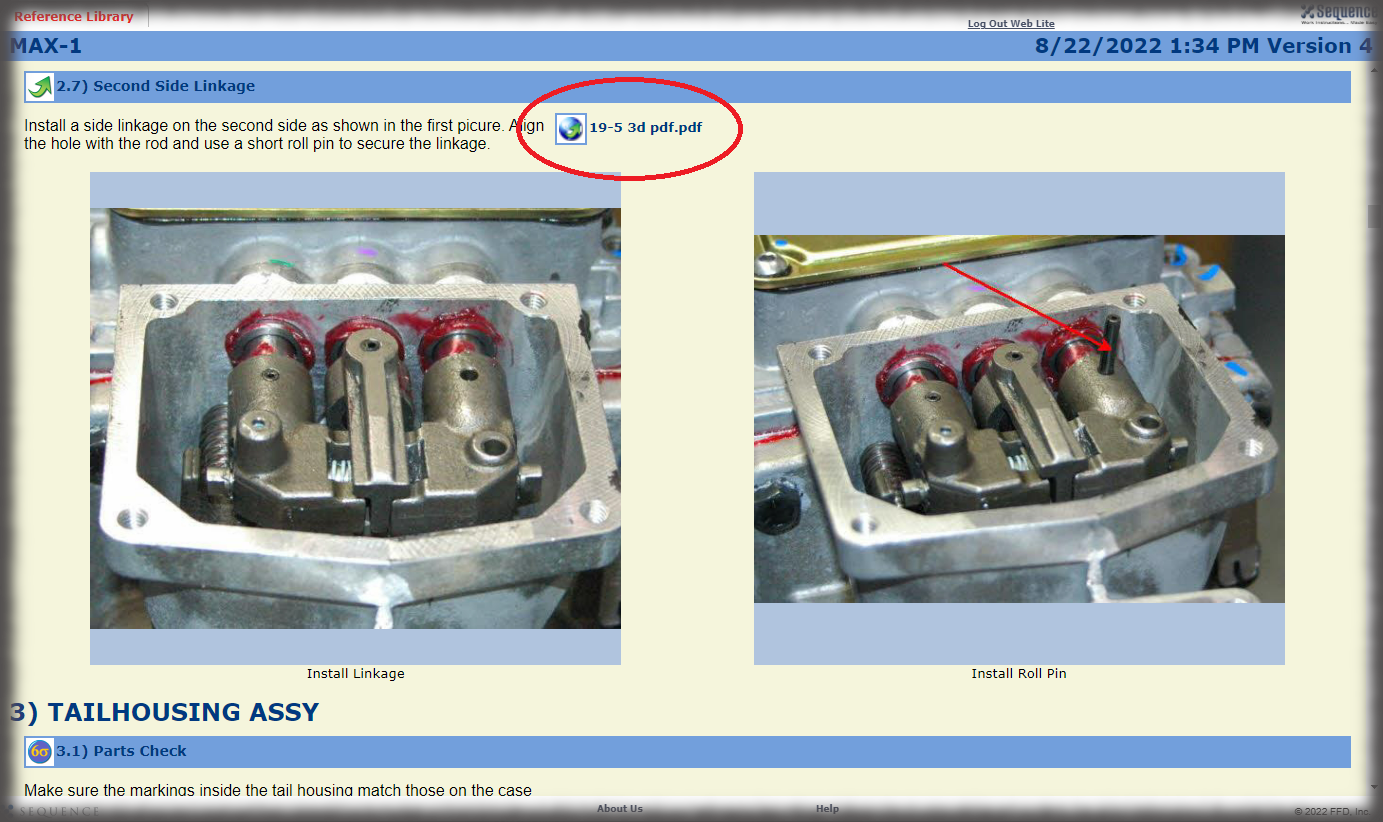
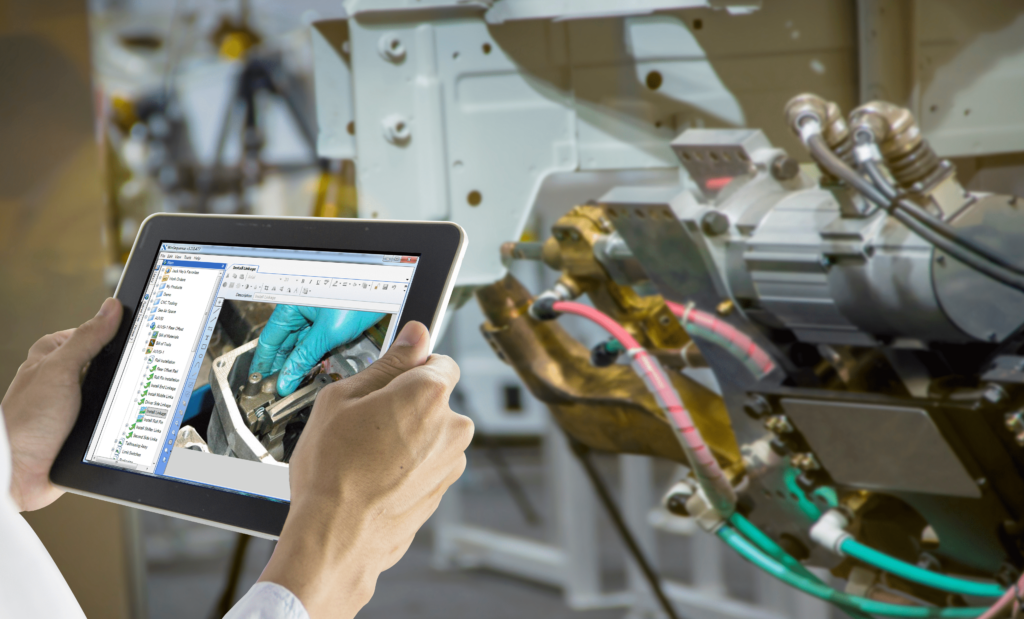
Sequence Software’s single-user authoring tool is called LockStep. LockStep is an easy, rapid authoring interface with all the same integrated editors found in WinSequence Enterprise. LockStep also supports the direct image capture with supported cameras, just like WinSequence Enterprise.
However, LockStep is designed for the smaller company that just needs a simple, single-user desktop solution for authoring and exporting formatted PDF instructions.
LockStep and the enterprise products are built on the same data model, so LockStep is easily upgraded to the enterprise suite of products when the time is right. Typically, the transition takes place when a networkable multi-user solution is needed for authors, or when electronic work instructions via web browser is needed in production, or when integration with other IT solutions is desired. WinSequence Enterprise will have the same look and feel as the LockStep application for authoring, so only minimal additional training is required to use additional functionality of WinSequence.
How the Authoring Solution Works
The LockStep authoring interface allows users to quickly and efficiently assemble a set of enterprise work instructions.
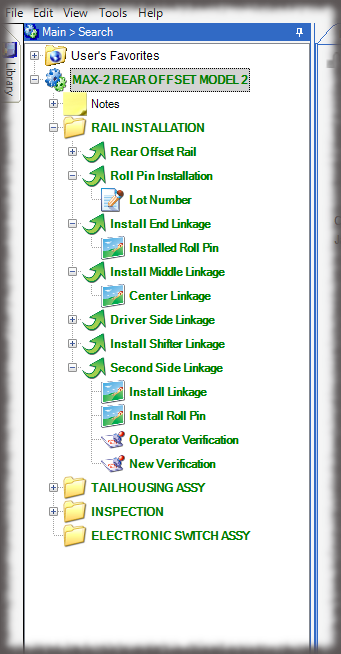
Utilizing the graphical instruction tree, authors can:
Build an entirely new set of work instructions by manually inserting each element,
Take advantage of the advanced cataloging and retrieval functions of Sequence to build off previously created work instructions.
Information is easily reused by dragging and dropping previously written work instruction content for modification or by using standard routings for families of products.
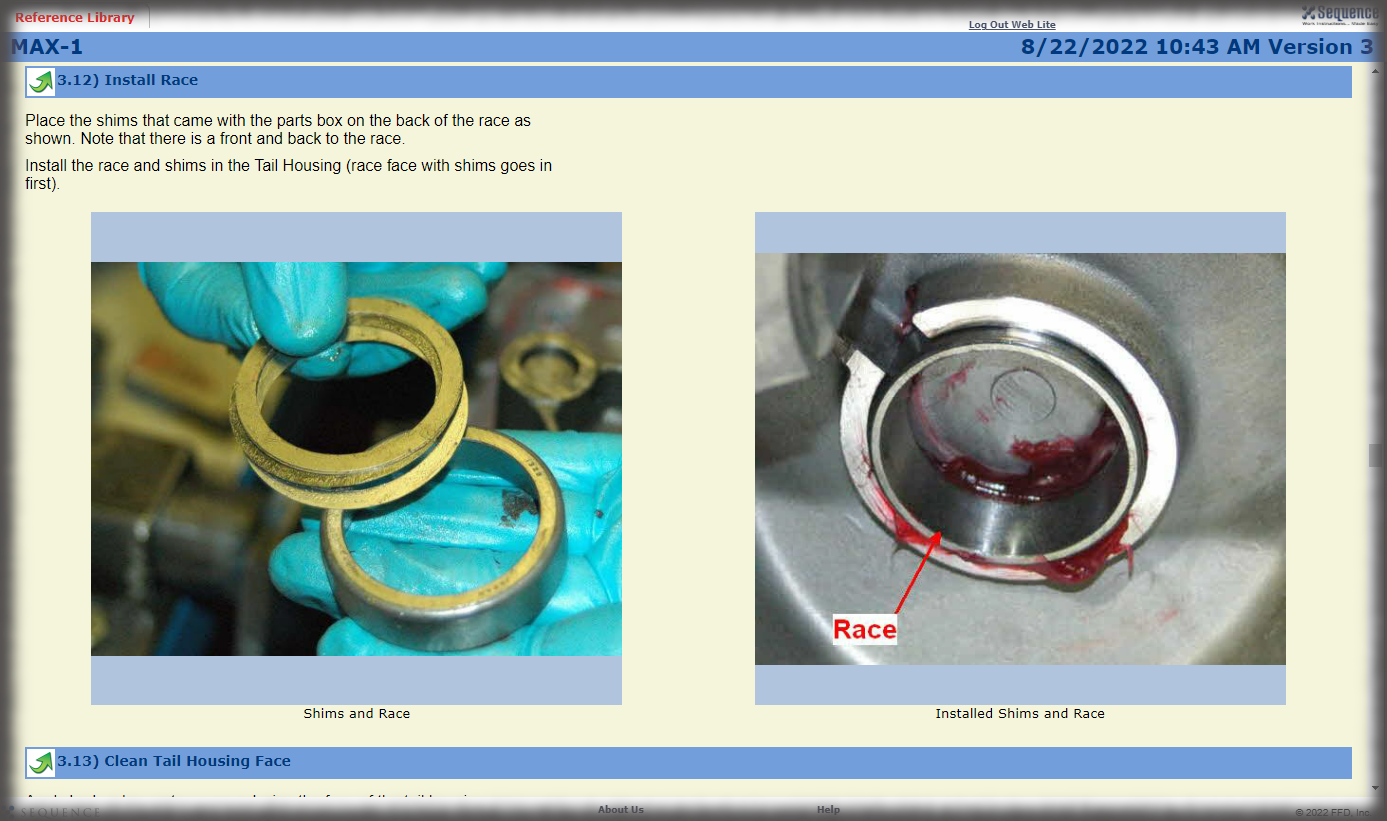
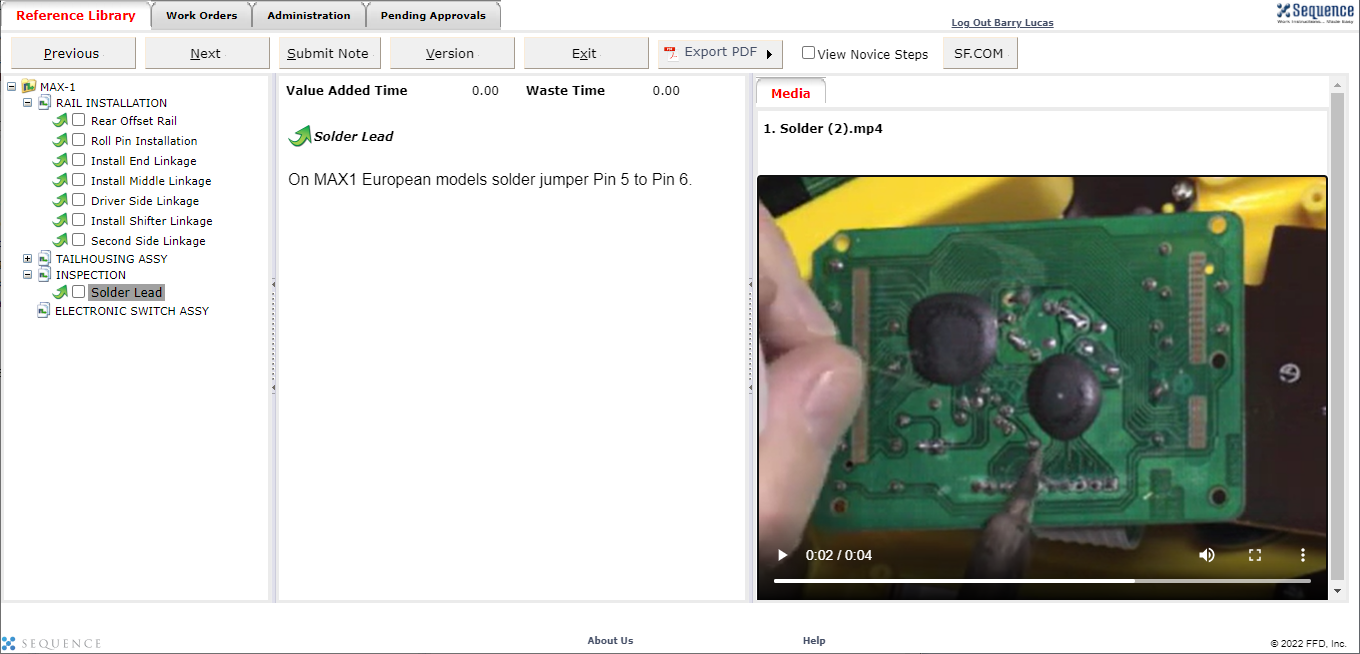
When creating instructions, you can take advantage of Sequence-specific features such as Integrated text, picture and spreadsheet editors, “Direct to Sequence” picture addition with a supported digital camera, and “Global” Parts, Assemblies and Tools that can be reused and managed across all processes.
Once information is organized appropriately on the graphical instruction tree, it can be easily converted to a work instruction for shop floor deployment.
Features of Our Work Instructions Authoring Tool
Lockstep features include many useful tools to help you quickly master creating work instructions.
Intuitive Drag and Drop
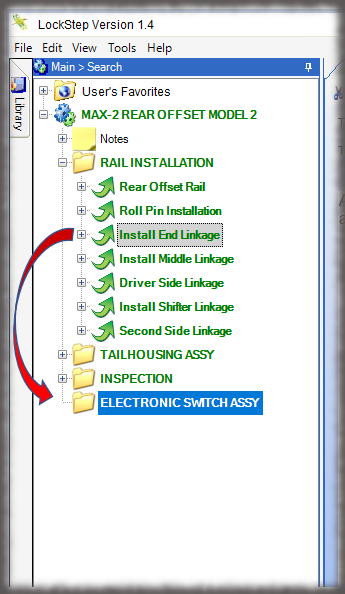
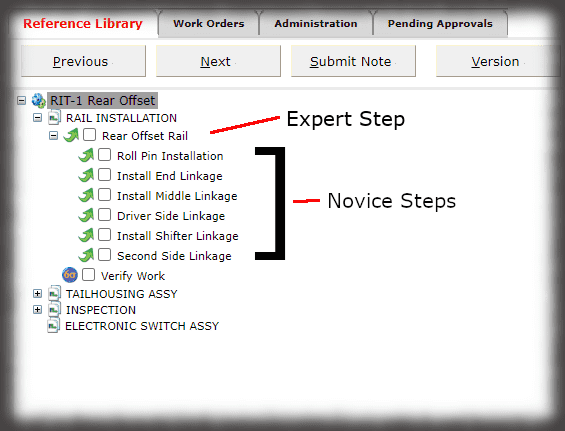
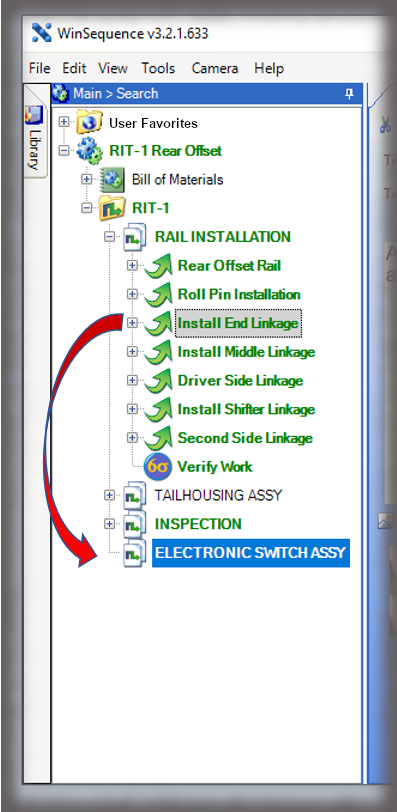
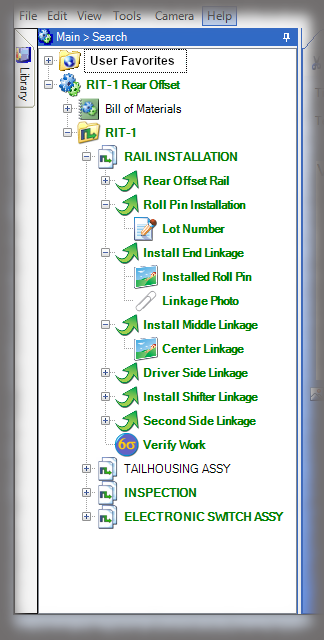
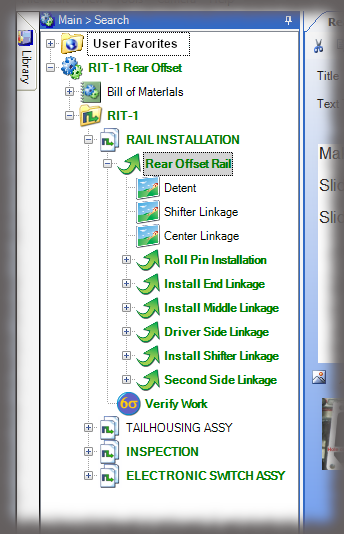
A graphical instruction tree allows you to structure data and reuse, rebalance, and clone information. Combined with automating formatting, an intuitive drag and drop makes line balancing and updates exceptionally easy. See Example of Lockstep Drag & Drop
Indented Tree View
A graphical representation of your entire workflow and manufacturing process gives you the power to enforce change rules and make it easy to organize and change work instructions. View Example Process Tree
Intelligent Editing Console
An integrated text editor, image editor, and spreadsheet editor allows you to edit supplemental information directly in LockStep, saving time and eliminating navigating multiple applications.
Integrated Text Editor
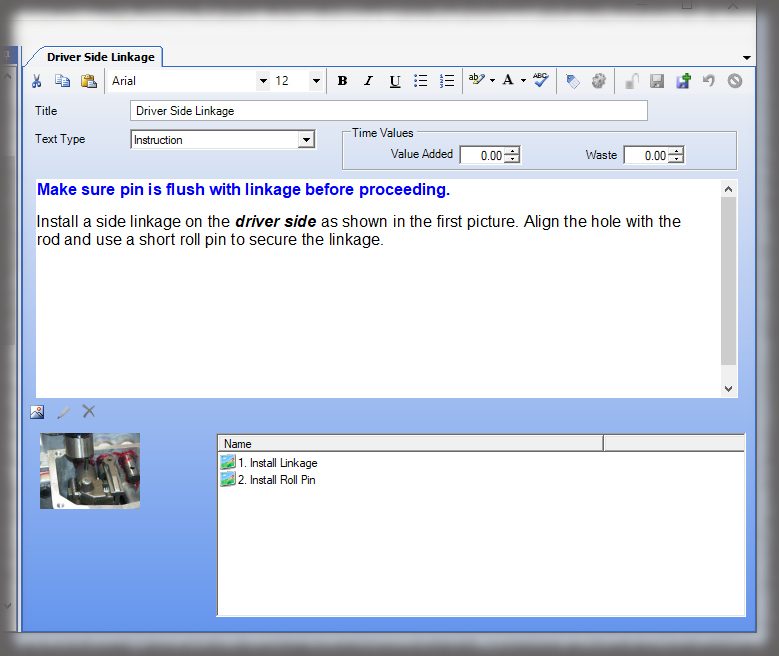
All text editing tools are visible on the home toolbar removing the frustration of searching multiple menus for commonly used features. View Text Editor
Integrated Image Editor
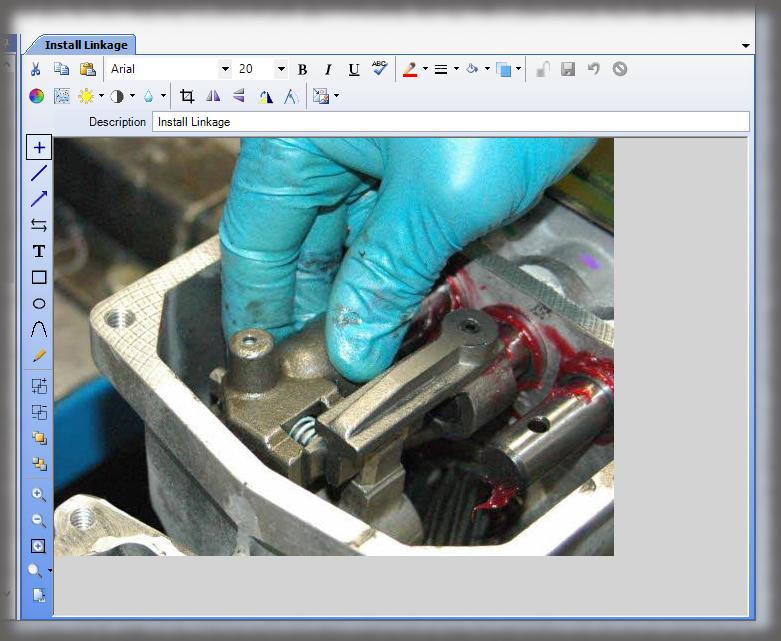
A built-in image editor provides common editing functions, such as crop, contracts and brightness adjustment, and arrow and text annotations. View Image Editor
Integrated Spreadsheet Editor
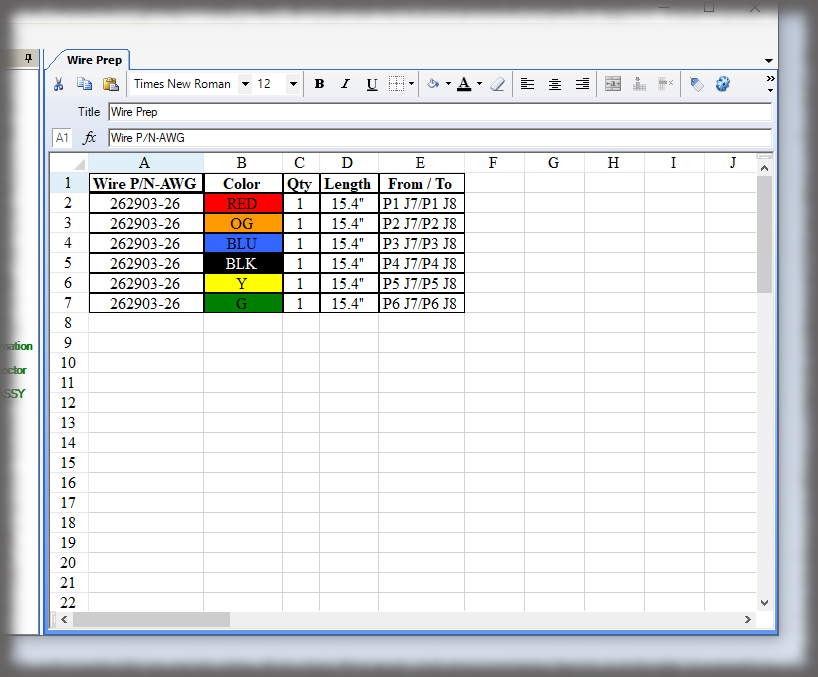
An integrated spreadsheet editor allows you to perform tasks commonly used in documenting work instructions with simple tables. View Spreadsheet Editor
Direct Image Capture
Plug in a supported camera to a laptop or pc and perform knowledge capture (in real-time) directly from your manufacturing floor. See Camera Requirements.
Drag and Drop Images
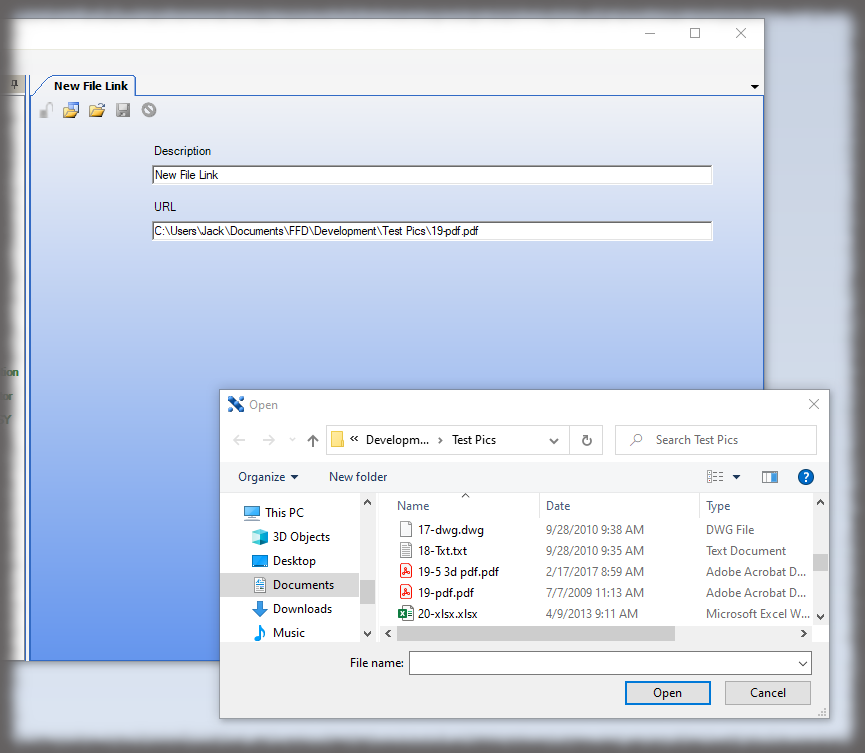
Add pictures using drag and drop directly from your PC.
Global Parts and Assemblies
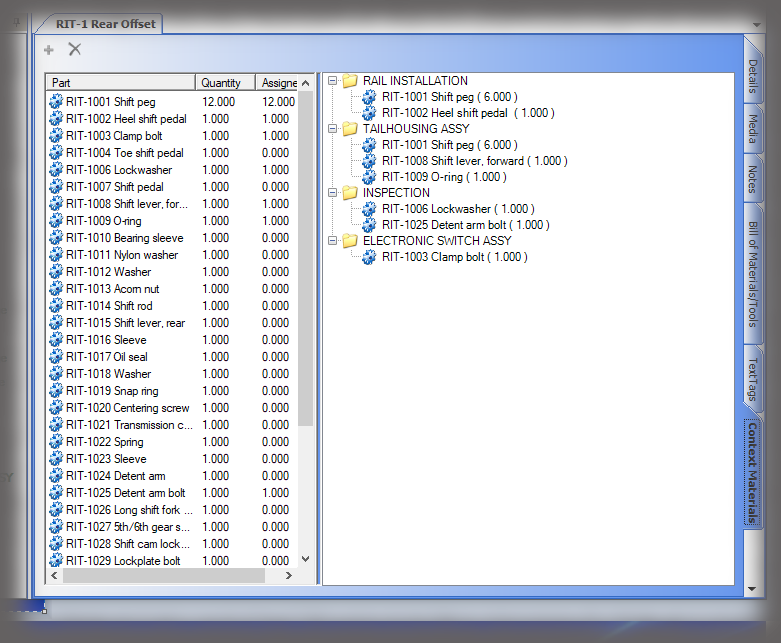
Parts and Assemblies are universal objects that can be reused, and if attributes change, all processes are updated automatically to reflect the change.
Reusable Global Tool Set
Tools are global objects that can be reused, and if attributes of the tool change, all processes are updated automatically.
PDF Writer
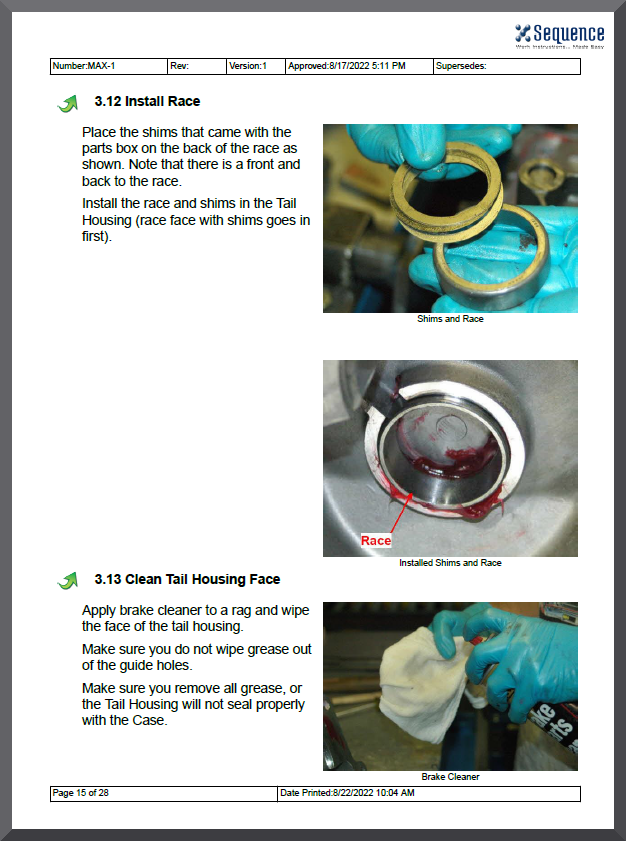
Instructions are exported from Lockstep and automatically formatted into a PDF document using one of the nine standard stylesheets. PDF documents can be printed for paper deployment or uploaded to a server where production can access the PDF. See Example.
Save and Create Next Step
This key features automatically saves and adds a new step, saving time when documenting step-by-step work instruction processing.